
Deploy
Deploy to Vercel
Deploying JSandy to Vercel is like deploying any other Next.js app, it works out of the box. This guide will walk you through the deployment process.
Deployment Steps
-
Configure Client URL
Update
lib/client.tsto use the Vercel URL in production. Vercel automatically provides your deployment URL asprocess.env.VERCEL_URL:import type { AppRouter } from "@/server" import { createClient } from "@jsandy/rpc" export const client = createClient<AppRouter>({ baseUrl: `${getBaseUrl()}/api`, }) function getBaseUrl() { // 👇 Use browser URL if client-side if (typeof window !== "undefined") { return window.location.origin } // 👇 Use Vercel URL in production if (process.env.VERCEL_URL) { return `https://${process.env.VERCEL_URL}` } // 👇 Default to localhost return `http://localhost:3000` } -
Deploy to Vercel
- Via GitHub: Connect repository through Vercel dashboard
- Via CLI: Run
vercel deploy - Vercel automatically sets the production URL
Environment Variables
Configure your environment variables in the Vercel dashboard:
- Go to your project settings
- Navigate to the "Environment Variables" tab
- Add your variables
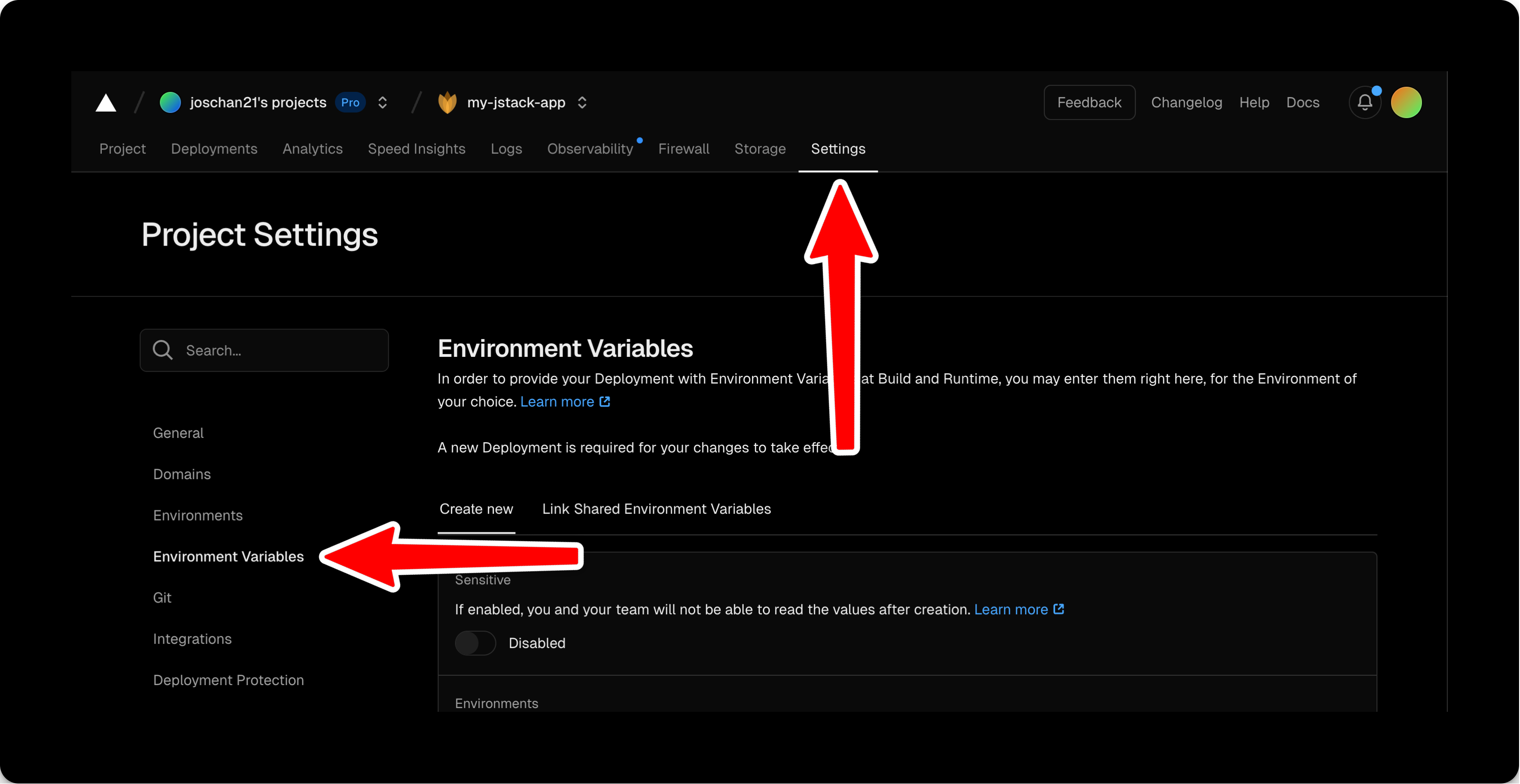
Alternatively, you can use the CLI to add environment variables:
vercel env add <KEY>Common Problems
CORS Configuration
If you're experiencing CORS problems, make sure your base API includes CORS middleware:
import { InferRouterInputs, InferRouterOutputs } from "@jsandy/rpc"
import { postRouter } from "./routers/post-router"
import { j } from "./jsandy"

const api = j
  .router()
  .basePath("/api")
  .use(j.defaults.cors)
  .onError(j.defaults.errorHandler)

const appRouter = j.mergeRouters(api, {
  post: postRouter,
})

export type AppRouter = typeof appRouter

export default appRouter